


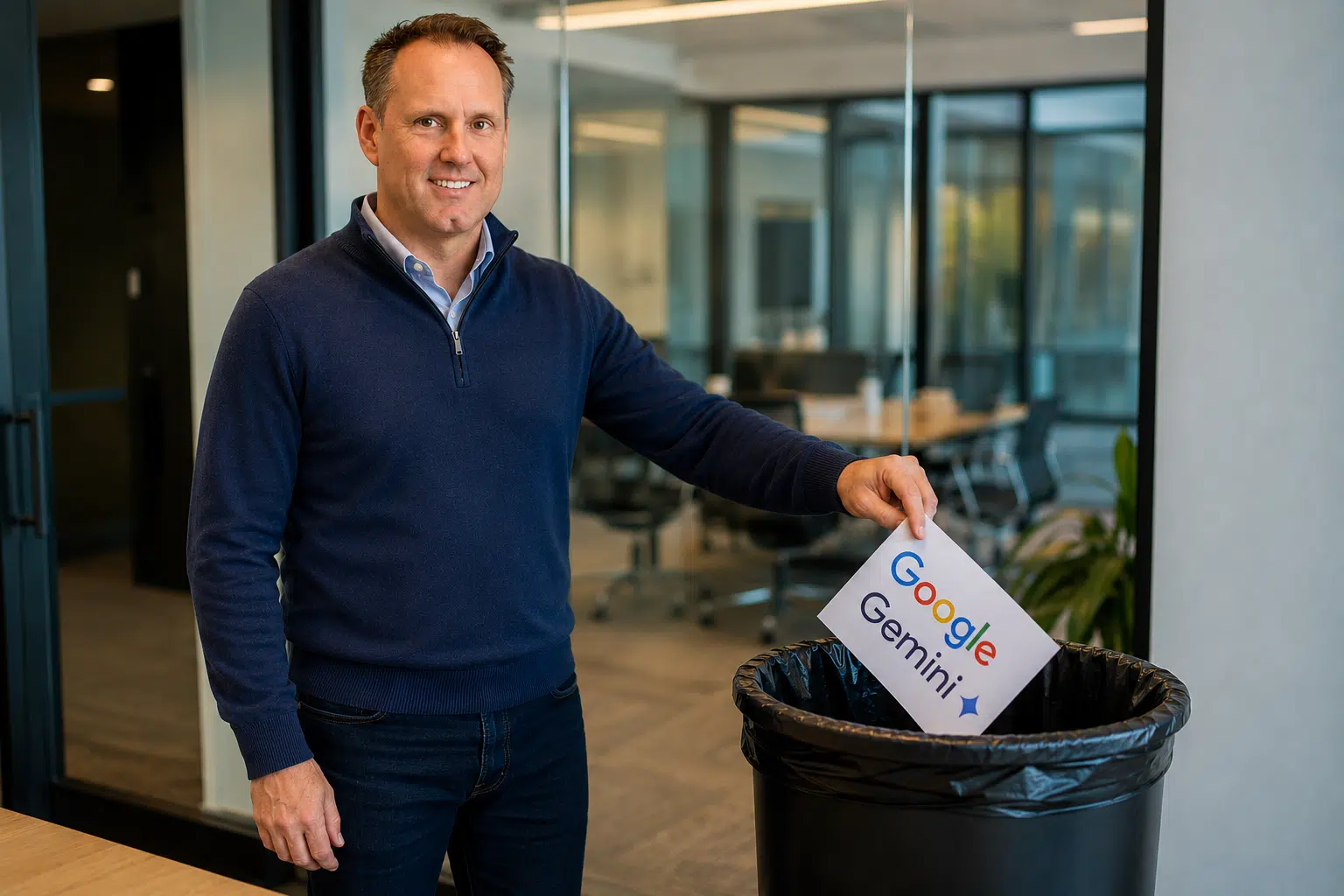
In my role here at KaufmanIT, I spend a fair amount of time evaluating productivity tools and have been deeply immersed in AI applications since the outset. Outside of our business AI subscriptions, I also have a paid, personal AI subscription to separate my personal AI silliness from our company projects.
For the past several months, Google’s Gemini Advanced was my platform of choice. Recently, however, I ran into a privacy and usability limitation that ultimately pushed me to switch to ChatGPT Plus.
Because we talk with clients about cybersecurity and data governance every day, I try to apply the same standards to the tools I use personally. After evaluating how both platforms handle user data and chat history, I decided ChatGPT Plus was the better fit for the way I work.
The Gemini Privacy Trade-Off
When you pay for a premium AI subscription, you expect a balance between functionality, usability and reasonable control over your data.
With Gemini Advanced, that balance can become frustrating for users who want both privacy controls and long-term conversation history.
A couple weeks ago, I was frankly shocked to learn that Google’s “Gemini Apps Activity” setting is tied directly to whether your chats are stored and accessible in your history sidebar. If you disable the setting to limit how your data may be used for product improvement and model training, Gemini also disables your saved chat history experience.
For users who rely on AI as an ongoing workspace — storing project ideas, referencing past conversations, coming back to research threads and drafts — losing that continuity is unacceptable.
In my mind, once you’re paying, there should not be a trade-off between maintaining conversational history and minimizing data-sharing preferences.
Why ChatGPT Plus Felt More Flexible
What ultimately pushed me toward ChatGPT Plus was the more granular approach OpenAI takes with consumer privacy settings.
In ChatGPT, users can disable the setting called “Improve the model for everyone” while still keeping their conversation history and workspace intact.
That means you can:
- Continue using saved chat history and ongoing conversation threads
- Limit whether your conversations are used for model training
- Use Temporary Chats for conversations you do not want saved in your history
For my workflow, that separation between history management and training preferences felt much more practical.
The Bigger Takeaway for Professionals
Enterprise AI platforms naturally offer stronger contractual data protections than consumer subscriptions. But the reality is that many professionals, consultants and small business owners still rely heavily on consumer AI tools every day.
That makes transparency and granular privacy controls increasingly important.
Regardless of which platform you use, it is worth understanding:
- What data is stored
- How long it is retained
- Whether it may be reviewed by humans
- Whether it can be used for model improvement or training
Those details matter — especially when AI tools become part of your daily workflow.
For me personally, ChatGPT Plus currently provides the balance of usability, continuity and privacy controls that better aligns with how I want my personal AI tool to behave. This sector changes rapidly; I will provide an update if things change in the months ahead.
If your business is exploring how to use generative AI securely without exposing sensitive company data, ping me anytime. We here at KaufmanIT can help you develop practical AI governance and cybersecurity policies for your organization.